Huaying Technology Logo
Mitel · Unified Communications

Mitel Unified Communicationswith desktop terminals

From MiCollab and OpenScape UC to the 6900 series SIP phones and DECT cordless terminals, Mitel unifies voice, video, messaging, and conferencing into a single collaboration platform. This page organizes public specifications and datasheets into two categories—Unified Communications and Devices & Accessories—to help you compare and select the right solutions.

List Products
10 styles
Parameter Entry
82 items
Product Groups
2 Group
Mitel 6900 Series SIP Desktop Phones
Size Quick Reference

Select by workstation scale

First, locate the platform by headcount and office sites, then determine terminals by role. Concurrent call volume, trunk types, and networking requirements will be detailed in the next step.

Workstation Capacity10–50 Workstation
Recommended PlatformsMiCollab or Unify Phone
Suggested Terminal6900 Series Base Model + 1 Conference Phone(s)
Typical ScenariosUnified office, retail stores, and studios; if no server room is available, you can activate the browser-based softphone first.
Workstation Capacity50–200 Workstation
Recommended PlatformsMiCollab
Suggested Terminal6900 series tiered by role; front desk equipped with multi-line models.
Typical ScenariosFor a single-office open-plan workspace, add 1 to 2 DECT base stations for mobile roles.
Workstation Capacity200–500 Workstation
Recommended PlatformsMiCollab + OpenScape UC
Suggested Terminal6900 Series + CPx10 + DECT
Typical ScenariosFor existing customers on the OpenScape platform with high needs for multi-department collaboration, meetings, and online status.
Workstation Capacity500 workstations or more
Recommended PlatformsMitel × Zoom Workplace or Teams Integration
Suggested Terminal6900 Series Open SIP + DECT + 6970 Conference Phone
Typical ScenariosMulti-site, using Teams, with compliance and data residency requirements
Workstation CapacityMitel voice already exists
Recommended PlatformsTeams Integration (Assistant / Telephony Only Client)
Suggested TerminalUse existing handsets
Typical ScenariosIntegrate dialing and online status into Teams without changing the system.

Scale range is a reference starting point; actual configuration depends on concurrent traffic, trunk type, and networking requirements. Specific model configurations and approvals are subject to the selection list.View corresponding product

Mitel Unified Communications and Devices

Mitel Unified Communications Platform, Microsoft Teams integration solutions, and 6900 series SIP phones, CPx10 desk phones, DECT cordless and conference phones, plus accessories.

10Items in list

Mitel × Zoom Workplace Product Image

Mitel Unified Communications and Devices

Mitel × Zoom Workplace

AI-powered collaboration + local voice foundation

Combine Mitel's enterprise voice foundation with Zoom Workplace's AI collaboration in a single solution: native integration between Zoom Phone and Mitel PBX, AI Companion handling meeting notes and action items, while retaining the control of on-premises deployment.

  • Zoom Phone natively integrates with Mitel PBX—no plugins required.
  • Cloud, on-premises, or hybrid deployment with existing handsets and endpoints
  • Compliant deployment for healthcare, public sector, and financial services
Mitel MiCollab Product Image

Mitel Unified Communications and Devices

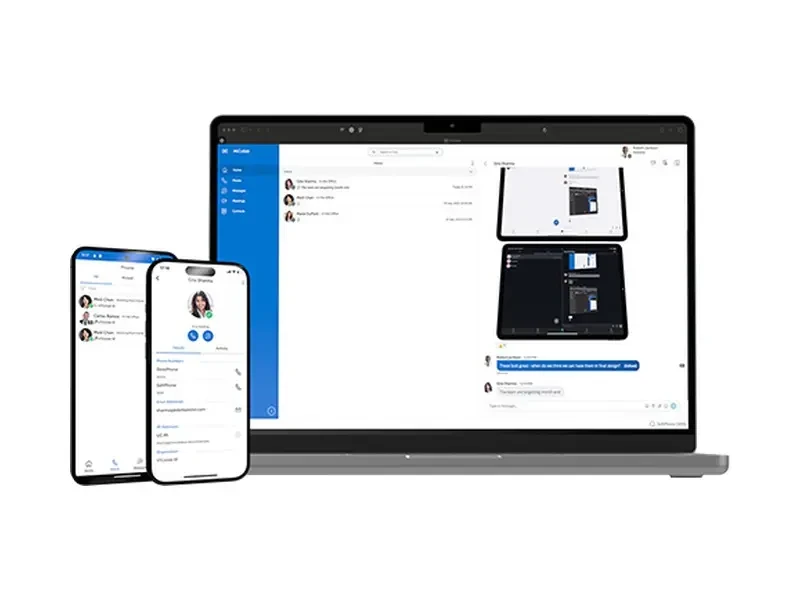
Mitel MiCollab

Unified client for voice, video, messaging, and meetings

Unify voice, video, instant messaging, SMS, and web conferencing into a single client. Desktop phones, softphones, web apps, and mobile devices share the same presence and call history, with native Microsoft Teams support.

  • Five collaboration modes unified on one platform
  • Bidirectional presence sync with Microsoft Teams
  • Available for on-premises, virtualized, or cloud deployment.
OpenScape UC Product Image

Mitel Unified Communications and Devices

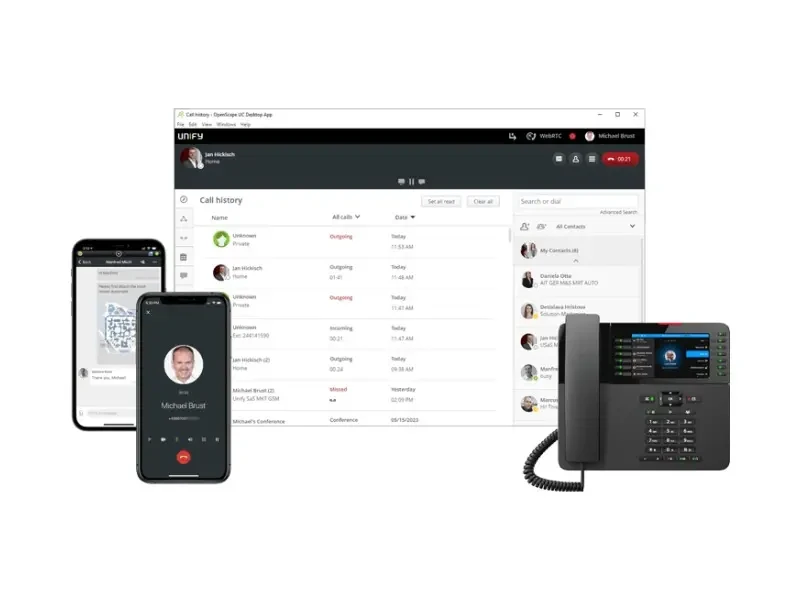
OpenScape UC

Integrate Online Presence with Multi-party Conferencing

Unified communication suite for teams, featuring federated presence, mobile clients, 1:1 and group chat, plus audio, web, and video conferencing. Scale features flexibly per user license.

  • Cross-organization joint online status
  • Start voice, web, or video meetings with one click
  • Grant or revoke capabilities based on user permissions and roles
Mitel Unify Phone Product Image

Mitel Unified Communications and Devices

Mitel Unify Phone

WebRTC-based Unified Communications Client

A hybrid unified communications solution based on WebRTC. Accessible instantly via browser and mobile app—no client download required. Calls still route through your enterprise's existing Mitel platform, with seamless integration to business applications like Microsoft Teams.

  • WebRTC: No installation needed. Call directly from your browser.
  • Calls continue to be handled by the enterprise's own platform.
  • Embeddable in business apps like Teams
Mitel × Microsoft Teams Integration Product Image

Mitel Unified Communications and Devices

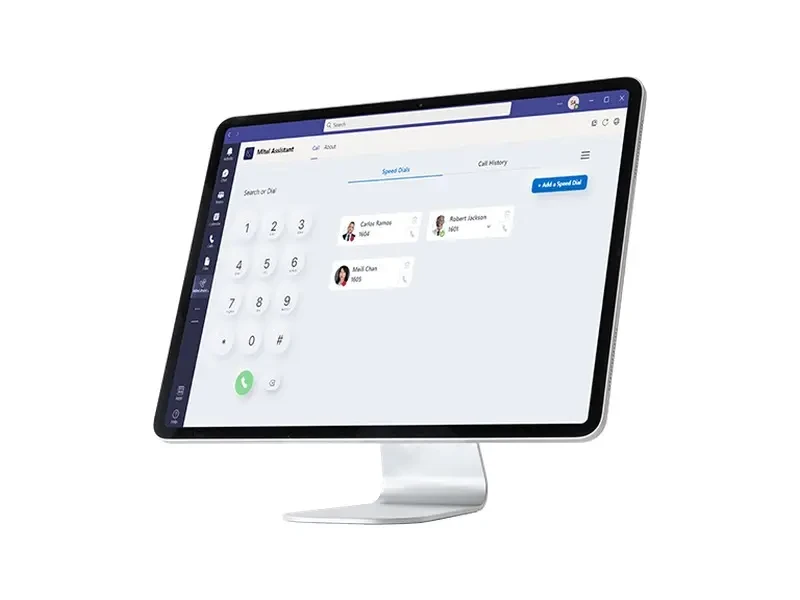
Mitel × Microsoft Teams Integration

Bring enterprise voice to Teams

Organizations with deployed Teams don't need to abandon their existing Mitel phone systems. With the Telephony Only Client, Mitel Assistant, or Direct Routing via a Mitel SBC, you can bring calling capabilities directly into the Teams interface.

  • One-click answer, place calls, and view records in Teams
  • Sync bidirectional online and call status
  • No Microsoft E5 or Phone System license required
Mitel 6900 Series IP Phone Product Image

Mitel Unified Communications and Devices

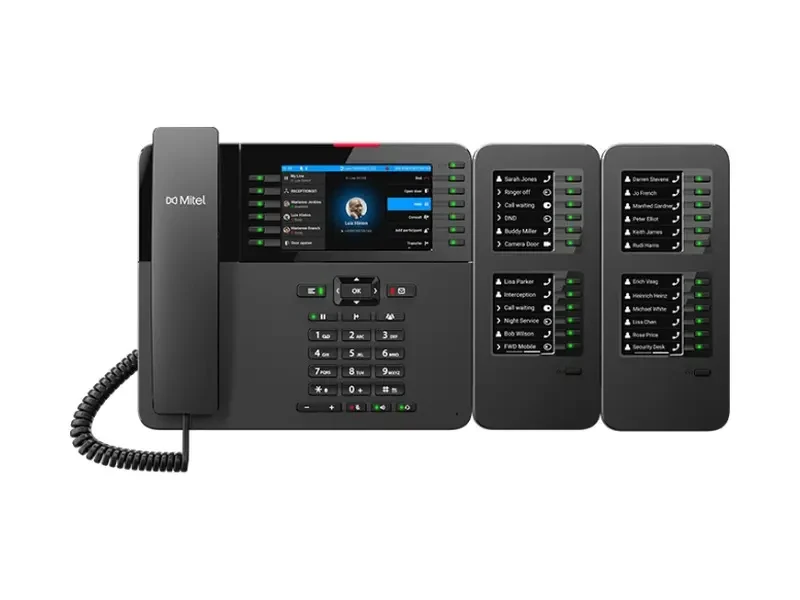
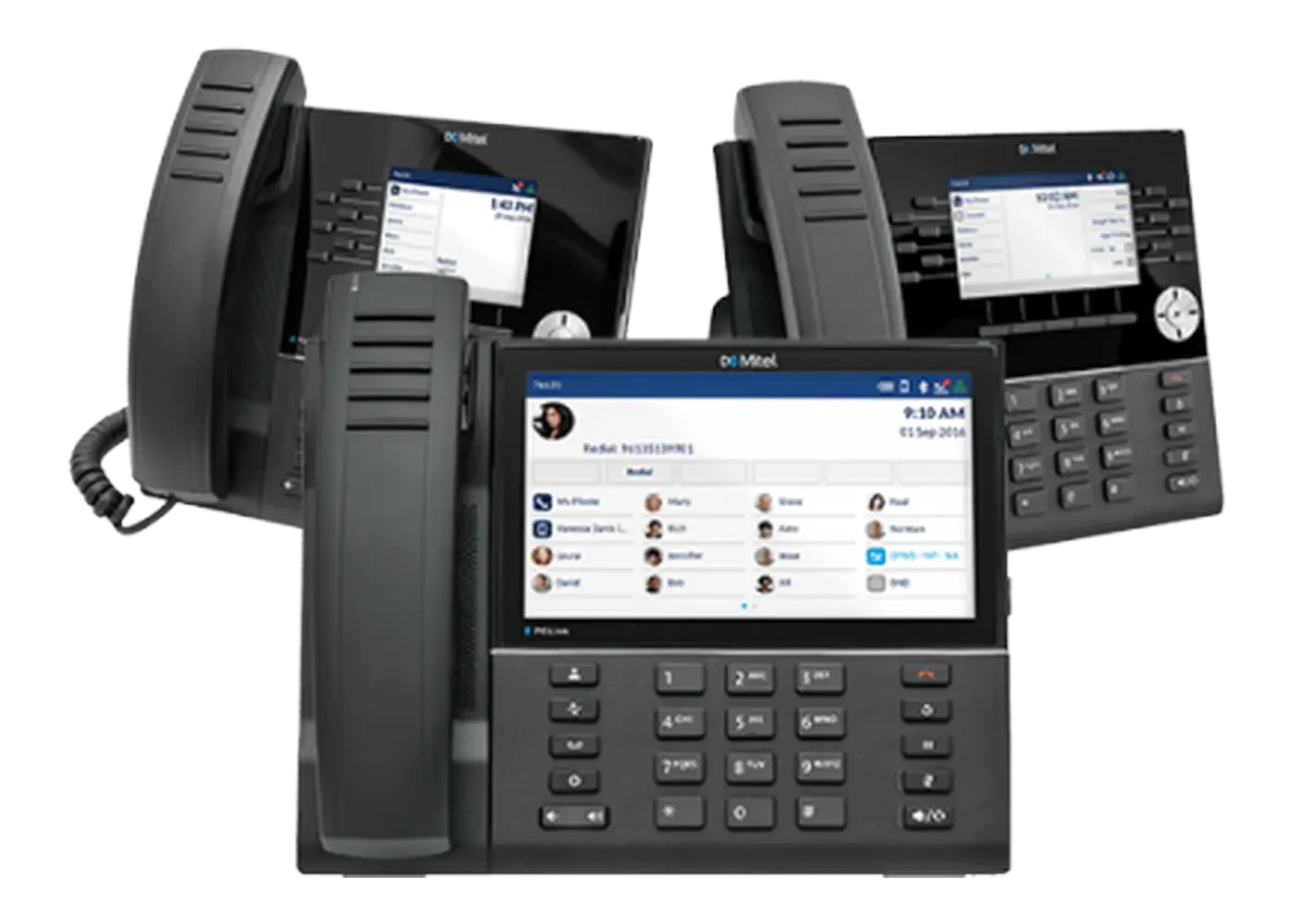
Mitel 6900 Series IP Phones

Desktop terminals for office and remote workstations

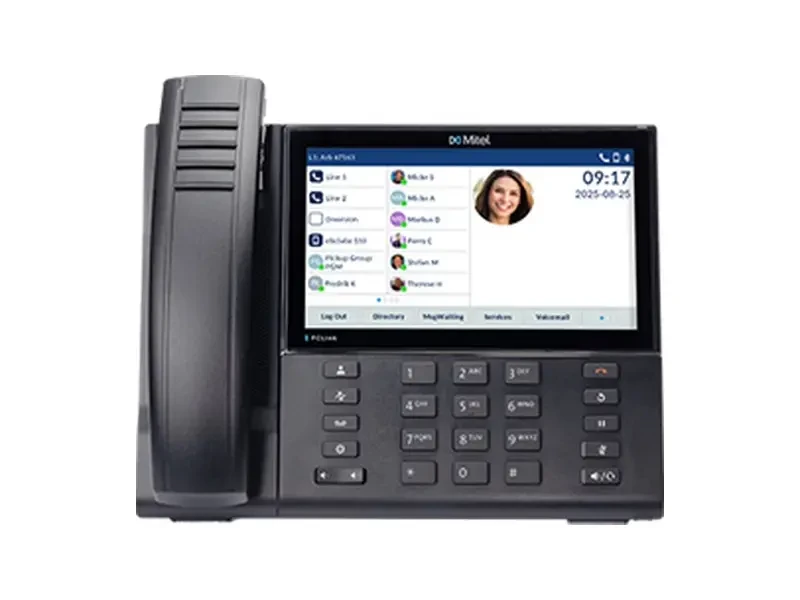
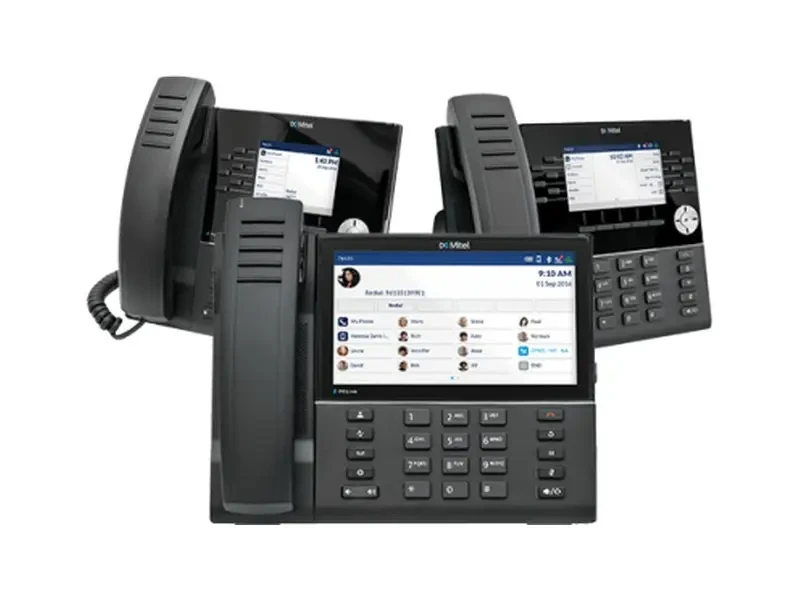
The 6900 series of SIP desktop phones, ranging from entry-level to executive models, spans over 6905 to 694 million price points. Features include HD broadband audio, programmable keys, built-in Wi-Fi and Bluetooth, and an antimicrobial shell option.

  • 6905 / 6910 / 6915 / 6920k / 6930k / 6940k multi-level
  • Up to 7-inch touchscreen, 96 programmable keys
  • W model with built-in Wi-Fi and Bluetooth
Mitel Open SIP Phone Product Image

Mitel Unified Communications and Devices

Mitel Open SIP Phone

Connects to any Open SIP platform

The 6900 series phones for the open SIP market are platform-agnostic, support remote configuration and firmware updates, and are designed and manufactured in Canada and Germany. They carry ENERGY STAR and Blue Angel certifications.

  • Compatible with any Open SIP voice platform
  • Designed in Canada, Made in Germany
  • Remote configuration and firmware updates reduce on-site visits.
Mitel DECT Cordless Solution Product Image

Mitel Unified Communications and Devices

Mitel DECT Cordless Solution

Multi-cell base station + 700d series phone

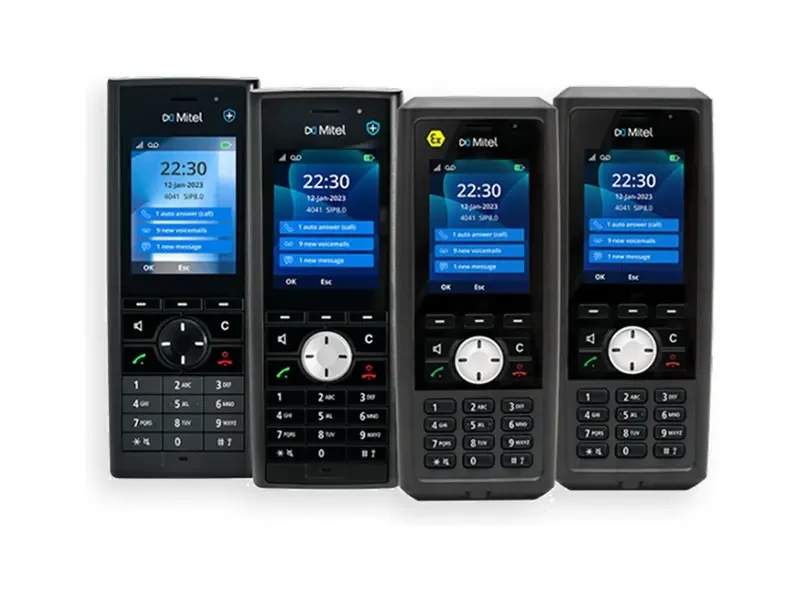
DECT cordless solution for campuses, production lines, and warehouses: Multi-cell base stations provide continuous coverage, while the 700d series and OpenScape DECT handsets serve as terminals. Supports external antennas, outdoor enclosures, and over-the-air firmware updates.

  • Multi-cell base station with configurable external antennas and outdoor enclosures
  • 700d Series with OpenScape DECT Handsets
  • Signaling and voice encryption, user authentication
OpenScape DeskPhone CPx10 Product Image

Mitel Unified Communications and Devices

OpenScape DeskPhone CPx10

CP110 / CP210 / CP410 / CP710 Desktop Phone

The CPx10 series desktop phones cover roles from entry-level to multi-line supervisors. All models feature Gigabit Ethernet, TLS encryption, and energy-efficient design. Available in SIP or HFA versions, they can be expanded with button modules and Wi-Fi USB adapters.

  • CP110 / CP210 / CP410 / CP710 — 4-speed
  • Gigabit Ethernet across the board with 4096-bit RSA encryption
  • KM410 / KM710 Keypad Module Expansion
Mitel 6970 Conference Phone Product Image

Mitel Unified Communications and Devices

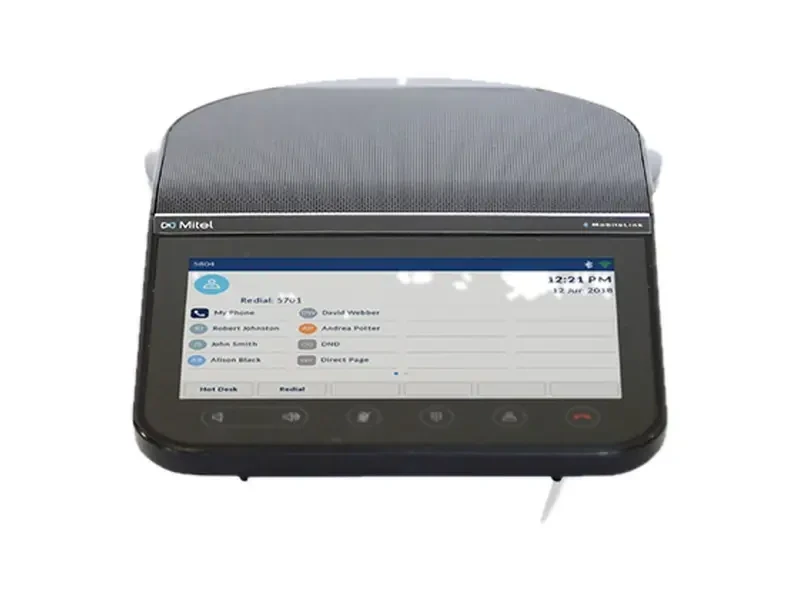
Mitel 6970 Conference Phone

SIP conference terminals for small to medium-sized meeting rooms

Conference phone with a 7-inch color touchscreen, Hi-Q audio, and 360° beamforming microphones. Features contact and calendar integration, one-touch meeting join, and expandable microphone support for extended pickup range.

  • 7-inch color touchscreen
  • Hi-Q Audio with 360° Beamforming
  • Expand Microphone and WLAN Adapter
Selection Criteria

Three paths determine the solution

Mitel's differentiation lies in platform architecture, its relationship with Teams, and endpoint types. By narrowing requirements to these three dimensions, solutions are typically finalized in a single round.

01

Set up the collaboration platform first.

Confirm whether voice services remain on-premises or will gradually migrate to the cloud. Licensing and operational models differ for local, hybrid, and full-cloud deployments.

02

Reassign Teams

Teams as Collaboration Hub vs. Phone System: Use Telephony Only Client for call handling, add Mitel Assistant for unified status, and route directly via SBC.

03

Finalize terminal and accessories

Select desk phone tiers by workstation type: equip mobile staff with DECT handsets, conference rooms with conference phones and expansion microphones, then calculate PoE requirements and cabling.

Page parameters are compiled from Mitel's public product documentation. Specific model configurations, licenses, and pricing are subject to the selection list confirmation.

Tell me the number of agents and the existing platform.

Specify the number of workstations, existing phone platform (Mitel / other SIP / Teams-only), and terminal requirements. We will provide a configuration list for the platform, licenses, and handsets.

Purchase Intent

Submit your requirements and contact details. A sales consultant will confirm pricing, stock availability, and delivery options with you. Product prices are subject to quotation.

Your information will be used solely for this selection and quotation discussion and for no other purpose.

Beijing ICP License No. 2026026760